
Translated by AI. This article was originally written in French and translated by Claude, Anthropic’s AI. The French original remains the reference version.
If you are a beginner, or if, like me, you have friends who want to get started with homelabbing, I cannot recommend CasaOS enough.
Most people are interested in a Plex server, or maybe a password manager, but rarely in the complexity that can come with setting up self-hosted services.
CasaOS is a godsend: it installs on top of a stable base such as Debian or Ubuntu Server and lets you configure everything from a graphical interface.
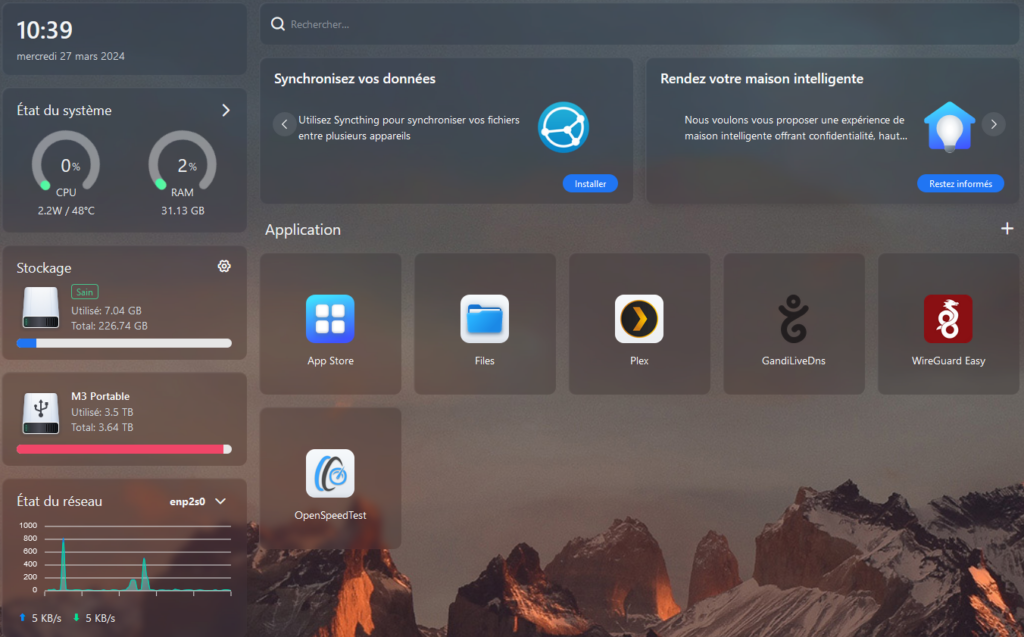
What is CasaOS?
CasaOS is much more than a simple operating system. It is a true all-in-one home hub designed to simplify setting up and managing your online services.
Whether you want to host your own Plex server, Vaultwarden, Pi-hole, a Minecraft server, WireGuard or any other supported service, CasaOS lets you do it with disconcerting ease.
Even sharing hard drives over the network with the Samba (SMB) protocol is automated, giving you easy access to your data.
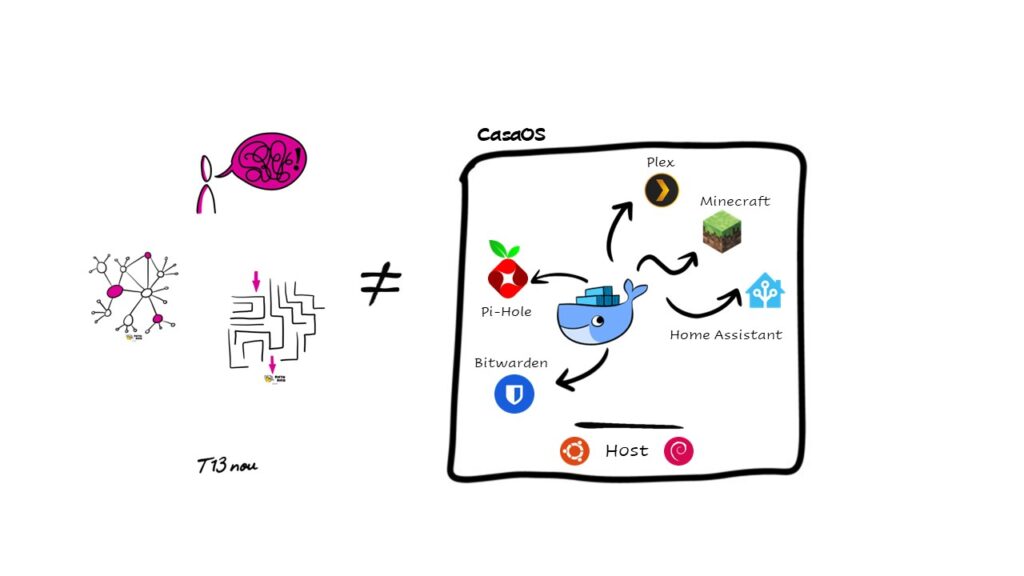
Easy installation and configuration
One of CasaOS’s most attractive features is how easy it is to install and configure. Installed on a Linux distribution such as Debian or Ubuntu, CasaOS fits seamlessly into your existing infrastructure. Once it is installed, applications are installed through Docker, which greatly simplifies the process.
A broad application ecosystem
With CasaOS, you get access to a vast ecosystem of preconfigured applications for your specific needs. Whether you want to stream media with Plex, protect your privacy with WireGuard or block unwanted ads with Pi-hole, CasaOS offers an all-in-one solution for all your homelabbing needs.
The easiest way to see the range of applications on offer is to visit the public CasaOS instance.
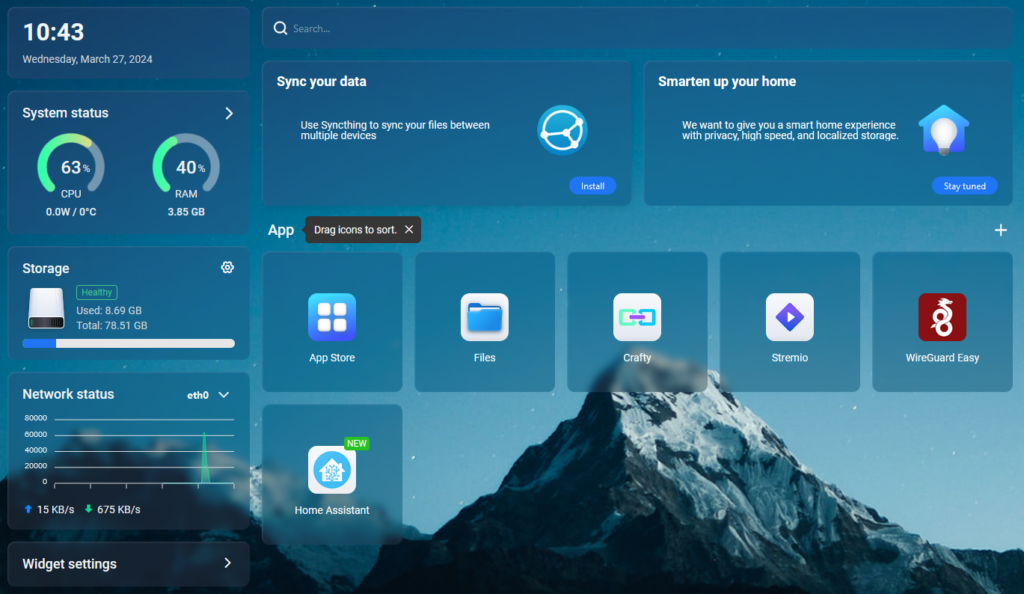
Login / Password: casaos / casaos
You can browse the application catalog on this live demo and see that CasaOS also lets you manually install any Docker application you want. With that, the catalog becomes huge (take a look at https://hub.docker.com/ ;))
Security and reliability
Security is a top priority for CasaOS. Thanks to Docker containers, each application is isolated from the rest of the system, which greatly reduces the risk of a security compromise. CasaOS also receives regular updates to keep your home hub reliable and stable.
I installed CasaOS for a friend…
You have certainly made the right choice in terms of reliability and simplicity.
How much effort will installing CasaOS for a friend or relative require?
If you can visit them from time to time, nothing stops you from checking the updates in person.
If you want to do it comfortably from home, you will need to put in a bit more effort during installation.
Personally, I chose a WireGuard tunnel with a DNS update service so I can connect from home.
Step 1: find your friend’s public IP
For this, I used a Docker container that regularly updates the DNS record (on my domain) I created for my friend, so that I always point to the right IP. A dynamic DNS service will also do the job.
As always, I use GandiLiveDns to refresh the friend.mydomain.fr record.
Step 2: install WireGuard
CasaOS has the WireGuard Easy application in its catalog.
That is the application we will use. As far as I remember, there are no particular settings during installation.
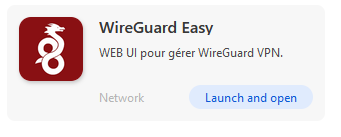
Once installed, you can launch the application and enter the default password “casaos”.
The configuration page will ask you to create a new device. You are free to use a smartphone, a PC or anything else.
On a smartphone, it is especially easy: download the WireGuard app and scan the QR code shown on the CasaOS/WireGuard configuration page.
Step 3: open port forwarding on your ISP box/router
Once that is done, go to the port forwarding settings of your ISP box/router and allow UDP traffic on port 51820 to the IP of your CasaOS installation.